Records close to vice-county boundaries may have grid references that overlap multiple vice-counties (VCs), and if so iRecord automatically links the record to each of the overlapping counties. A new tool on the verification page allows you to ‘force’ the record into a single VC if you wish to do so, e.g. for those records where the location name shows that it ‘belongs’ to one VC even if the grid ref stretches across the boundary.
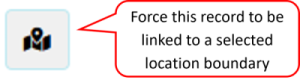
The VC link button is available on the verification page, to the right of the "Query record" button. When you click on this button, a dialogue opens up. It shows you which multiple VCs the record is currently linked to, and allows you to specify which single VC it should be set to.
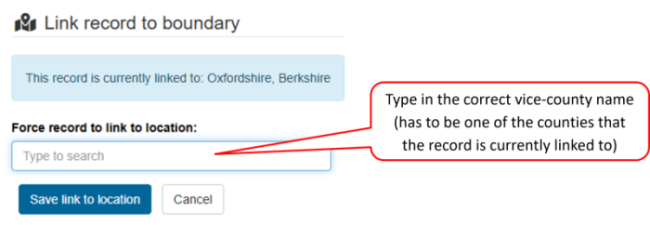
Click on "Save link for location" to assign the record to the single VC you have chosen.
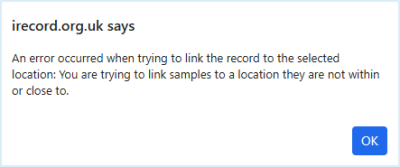
If you try to assign a record to a VC that is not close to the grid reference, you will see an error message. In this case, if the record is incorrectly located, you will need to edit its grid reference - you can't just assign a record to a VC that is distant from the current grid reference.